
How do I work out my side-hustle income from bank statements?
Hamster team · Updated · Checked against GOV.UK
The short answer
Download your statements for the tax year (6 April to 5 April), mark every payment that came from your side hustle, add them up, then add back any fees the platforms kept before paying you. That gives you your income before expenses, which is the figure Self Assessment starts from. You can do it by hand in an evening; an app that reads the statement for you is quicker.
The manual method
This works with any bank and needs nothing more than a spreadsheet or a pen.
- Download your statements for the tax year. For the return due by 31 January 2027 that's 6 April 2025 to 5 April 2026. Most banking apps let you download a PDF or a spreadsheet (CSV) for a date range.
- Go through the money coming in. Mark every payment from your side hustle: platform payouts, customer bank transfers, card-reader settlements, cash you paid in from sales.
- Leave out what isn't income. Transfers from your own savings, your wages, refunds for personal shopping, money from family, and selling your own unwanted things (which isn't trading).
- Add them up. That's the money your side hustle paid into your bank.
- Add back platform fees. Platforms pay you after their fees, but your turnover is your income before any expenses. Find the fees in each platform's earnings report and add them on. The payout to gross income calculator does this sum.
- Add income that didn't go through the bank. Cash you kept, tips, and payments in kind count too.
- Do the same for costs, going out. Stock, materials, fees you paid directly, equipment. Then compare your costs with the £1,000 trading allowance and use whichever is bigger.
Keep the marked-up statements: GOV.UK lists bank statements among the proof you should keep.
A worked example (invented figures)
Sam tutors online and sells prints on a marketplace. Going through 12 months of statements for 2025 to 2026, Sam marks:
- Tutoring transfers from parents: 38 payments, £2,890
- Marketplace payouts: 14 payouts, £1,240
- Left out: £500 from savings, £35 refunded by a shop, wages
Sam's marketplace earnings report shows £190 of fees kept before payout. So:
- Income before fees: £2,890 + £1,240 + £190 = £4,320
- Costs: £190 of fees, plus £260 of printing and a tutoring-platform subscription = £450. That's under £1,000, so Sam claims the trading allowance instead.
- Profit: £4,320 − £1,000 = £3,320
Sam's income is over £1,000, so Sam needs to be registered for Self Assessment. Check your own bill with the side hustle tax calculator.
The faster way: Hamster's bank statement import
If going line by line through a year of statements sounds like a long evening, Hamster's bank statement import does the reading for you. It's part of Hamster Premium, on Android and iPhone:
- you give Hamster the PDF statement from your banking app
- it reads the statement on your phone: nothing is uploaded, and the PDF isn't kept
- it lists the money-in payments that look like side-hustle income, checked against the balances printed on the statement
- you review them and tick the ones to add: nothing is saved until you confirm, and you can undo an import later
Scanned or password-protected PDFs can't be read. You can see what Hamster finds in a statement for free; adding the payments needs Premium. You'd still add platform fees from the platforms' own reports.
Common mistakes
- Using the wrong 12 months. The tax year runs from 6 April, not January.
- Counting transfers between your own accounts. They're not income.
- Forgetting fees. Payouts are after fees; turnover is before.
- Missing cash. Income you never paid in still counts.
- Counting personal sales. Selling your own unwanted things isn't trading.
- Not writing down what payments were. A bank line saying "TRANSFER" won't mean much in two years.
Keeping track
Doing this once a year is the hard way. Hamster is a free app for Android and iPhone where you log income and costs as they happen, so the tax-year total is always there. With Premium, a monthly statement import keeps it up to date in a few taps.
See it in the app
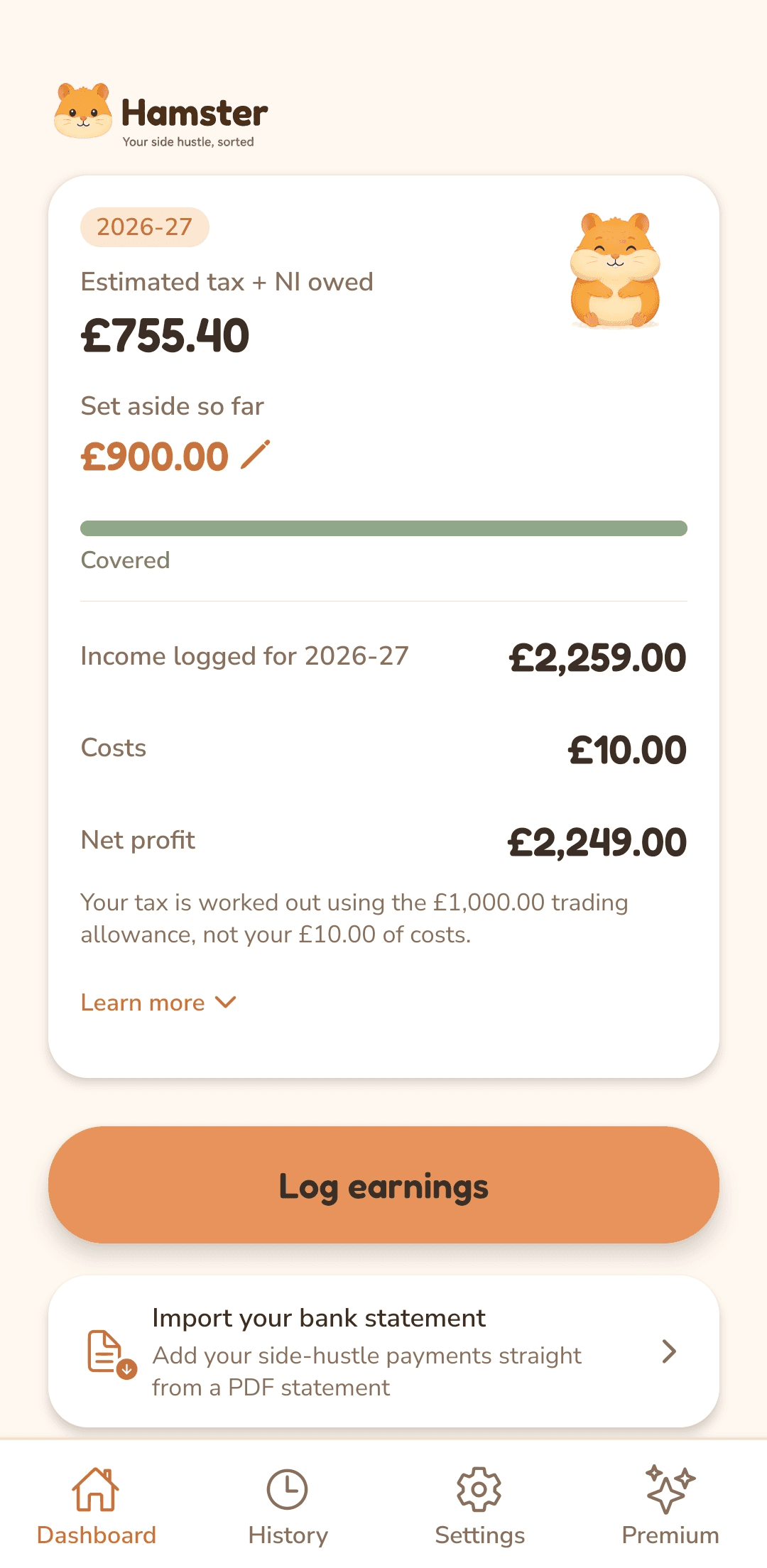
Dashboard
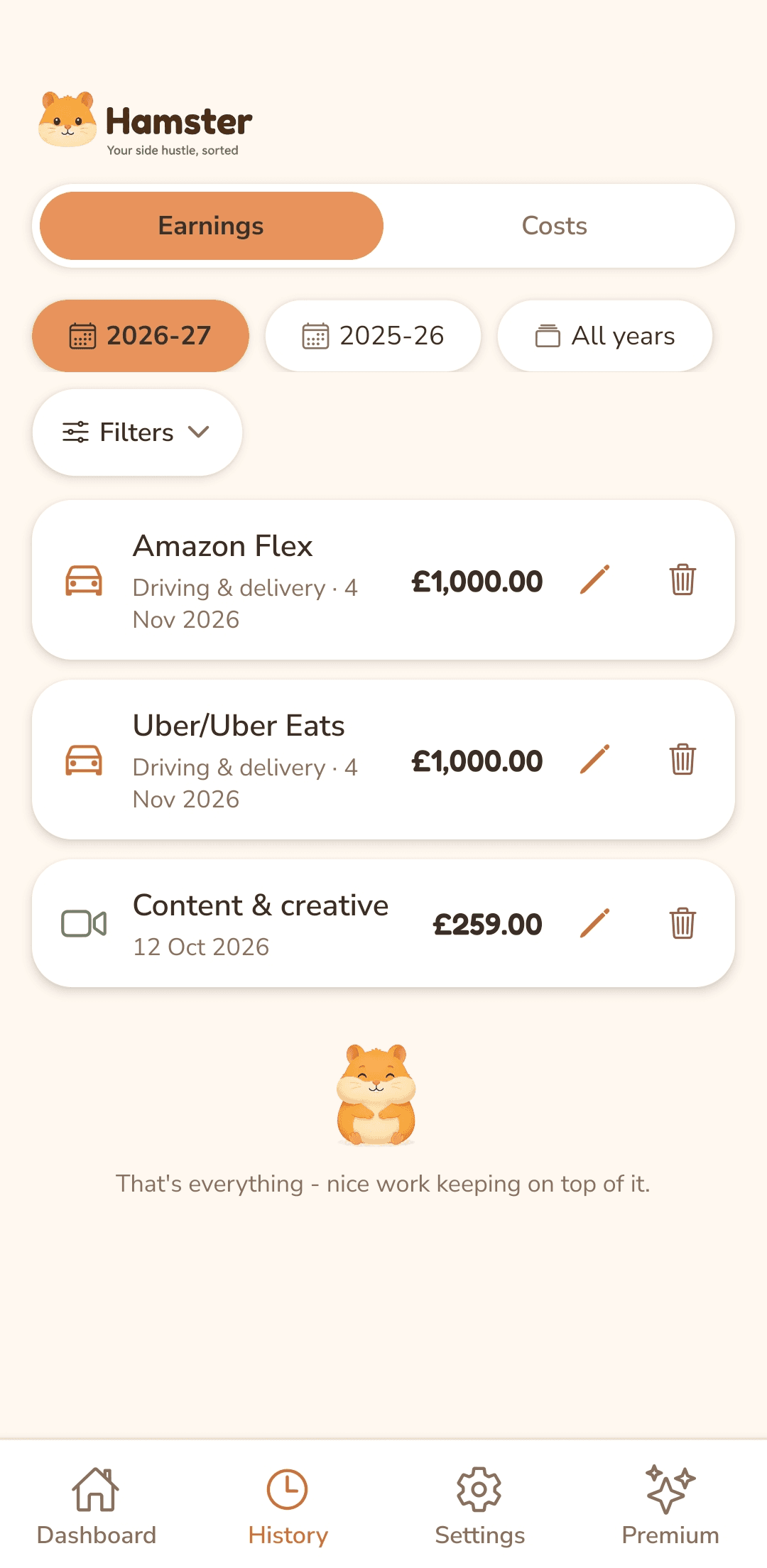
History
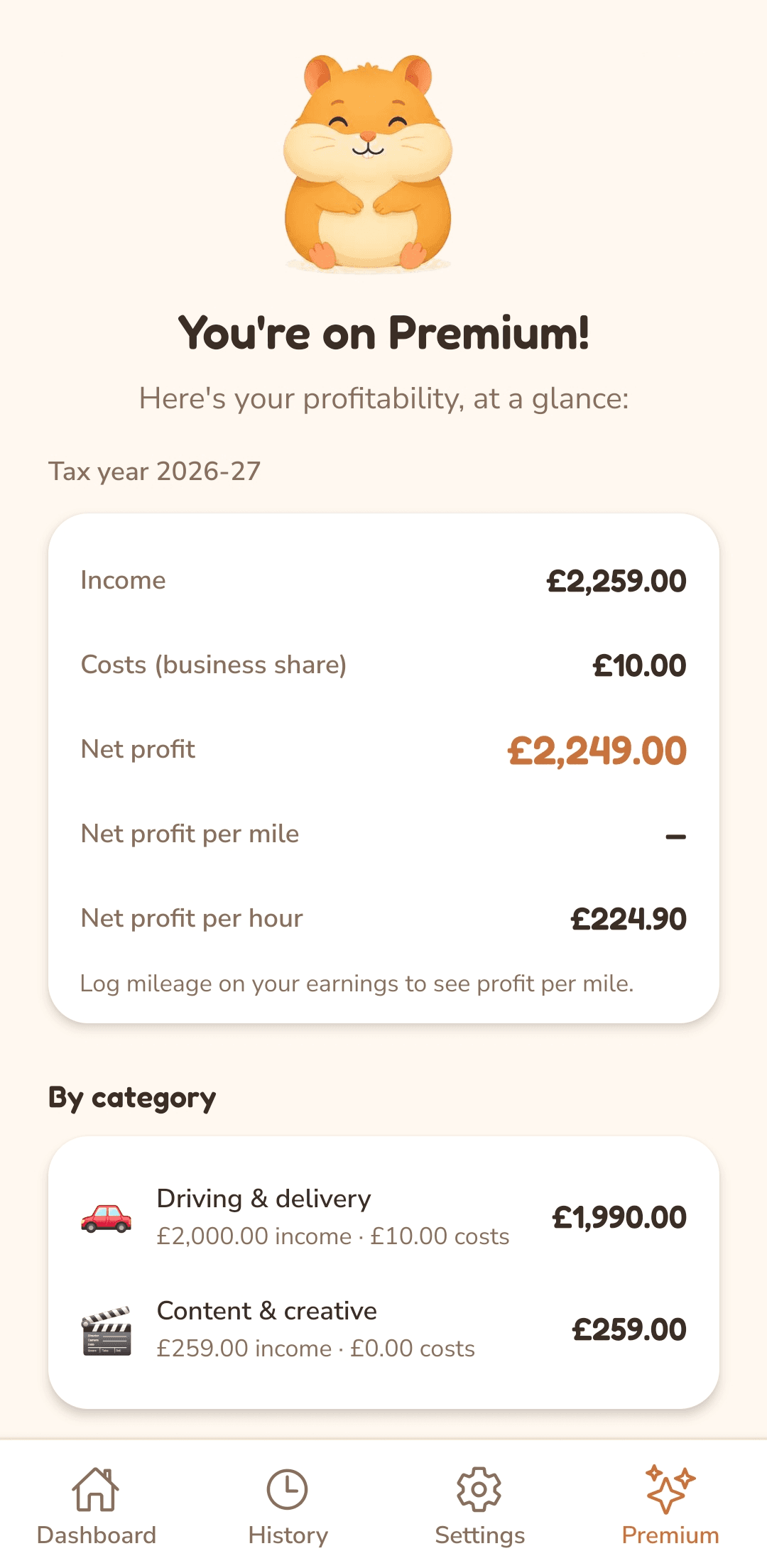
Premium summaryPremium
Quick answers
- Which dates should my bank statements cover?
- The tax year: 6 April to 5 April. For the return due by 31 January 2027, that's 6 April 2025 to 5 April 2026. Most side hustlers use the cash basis, where income counts on the day it's received.
- Is the money in my bank the same as my income?
- Not if a platform took fees first. Your turnover is your income before expenses, so add back fees the platform kept. Then claim the fees as an expense, unless you use the £1,000 trading allowance.
- Can I use bank statements as my records?
- GOV.UK lists bank statements as one type of proof to keep, alongside receipts and invoices. They show what came in, but not always what it was for, so note what each payment was.
- What if my side-hustle money goes into my personal account?
- That's common. Mark only the business payments and leave out transfers from your own accounts, refunds of personal purchases and money from friends.
- Does Hamster's import upload my statement?
- No. Hamster reads the PDF on your phone. The statement isn't uploaded to Hamster or anyone else, and nothing is saved until you've ticked the payments to add. Saving imported payments is part of Premium.
- Can an app connect to my bank instead?
- Hamster doesn't ask for your bank login or open-banking access. It works from a PDF statement you download yourself, or from what you type in.
Sources
Last reviewed against GOV.UK. Figures are for the tax year named in each section. Report an error
This is general information, not personal tax advice. Rules and rates change: check the linked GOV.UK pages or speak to an accountant about your own situation.