
Free tool
Self Assessment countdown
The Self Assessment deadline for 2025 to 2026 is 11:59pm on 31 January 2027: that’s when your online return must be filed and your tax paid. Below is the count of days left, a dated checklist and a calendar file with reminders.
It works in your browser: nothing you type is stored or sent anywhere.
Until 31 January 2027
66 days
to file your 2025 to 2026 online return and pay, by 11:59pm on Sunday 31 January 2027.
Add the deadline to my calendar (.ics)Works with Apple Calendar, Google Calendar and Outlook. Includes reminders a week and a day before.
Your dated checklist
Dates without “suggested” are set by HMRC. Ticks here aren’t saved anywhere.
An estimate, not tax advice. Check GOV.UK, or speak to an accountant about your own situation.
How the dates work
The tax year runs from 6 April to 5 April. Each 31 January is the deadline for the tax year that ended the April before, so 31 January 2027 is for 2025 to 2026. The count above uses UK time and changes at midnight.
Dates in the checklist marked “suggested” are ours, to spread the work out. The others are set by HMRC: the 30 December 2026 tax code cut-off, the deadline itself, the £100 late-filing penalty and the second payment on account on 31 July 2027.
Worked examples
Paying through your tax code
Dan works in a call centre and made £3,000 profit from weekend DJ sets in 2025 to 2026. His salary already uses his Personal Allowance, so he owes £600 Income Tax at 20%. He files online on 18 December 2026. He’s employed, owes less than £3,000 and filed before 30 December, so HMRC can collect the £600 through his tax code instead of in one go in January.
Registering in November
Aisha realises in November 2026 that her £2,400 of cake orders in 2025 to 2026 was over £1,000. She registers on 20 November. HMRC’s letter gives her 3 months from its date to file, but the tax is still due by 31 January 2027. If she pays in full by then, there’s no unpaid tax for a failure-to-notify penalty to be based on. More on registering late.
Questions people ask
- What time on 31 January is the deadline?
- 11:59pm on 31 January 2027, for both the online return and the payment.
- Is 31 January 2027 the deadline for this tax year?
- No. It’s for the 2025 to 2026 tax year (6 April 2025 to 5 April 2026). The current tax year, 2026 to 2027, is due by 31 January 2028.
- What happens if I miss it?
- A late return gets a £100 penalty straight away, even if you owe no tax. Further penalties follow at 3, 6 and 12 months, and late payment is penalised separately at 30 days, 6 months and 12 months, plus interest.
- I registered late. Is my deadline different?
- GOV.UK says that if you registered after 5 October 2026, HMRC will give you a filing deadline 3 months from the date on its letter or email. You must still pay what you owe by 11:59pm on 31 January 2027.
- What does the calendar file contain?
- Two all-day events: 30 December 2026 (the last day to file online if you want an eligible bill collected through your tax code) and 31 January 2027, with reminders a week and a day before. No personal information is in it.
- Are the deadline reminder emails optional?
- Yes. They’re only sent if you tick the box and confirm your address from the email we send. Every email has an unsubscribe link.
Sources
Related guides and tools
Last reviewed against GOV.UK. Report an error
See it in the app
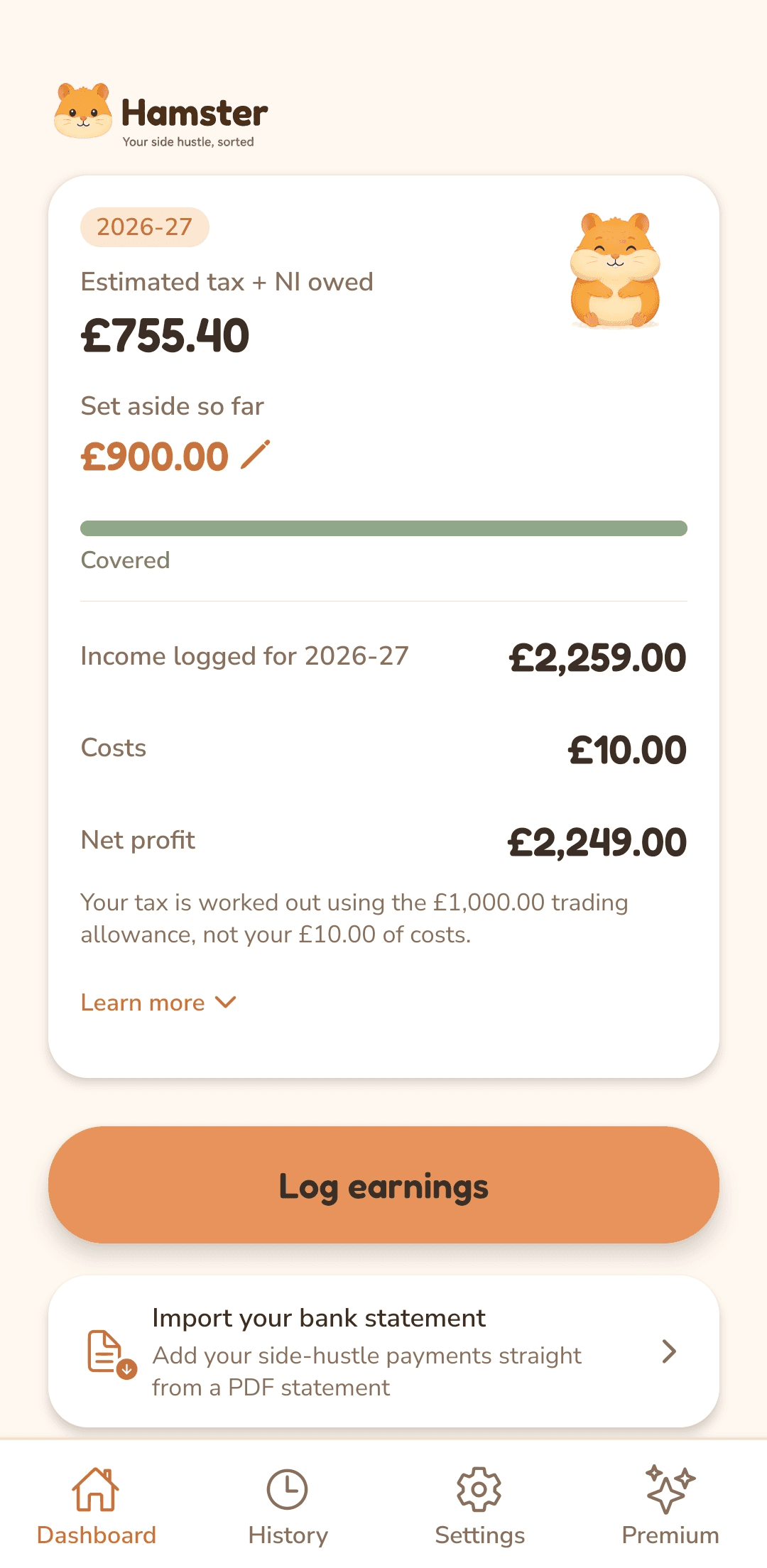
Dashboard
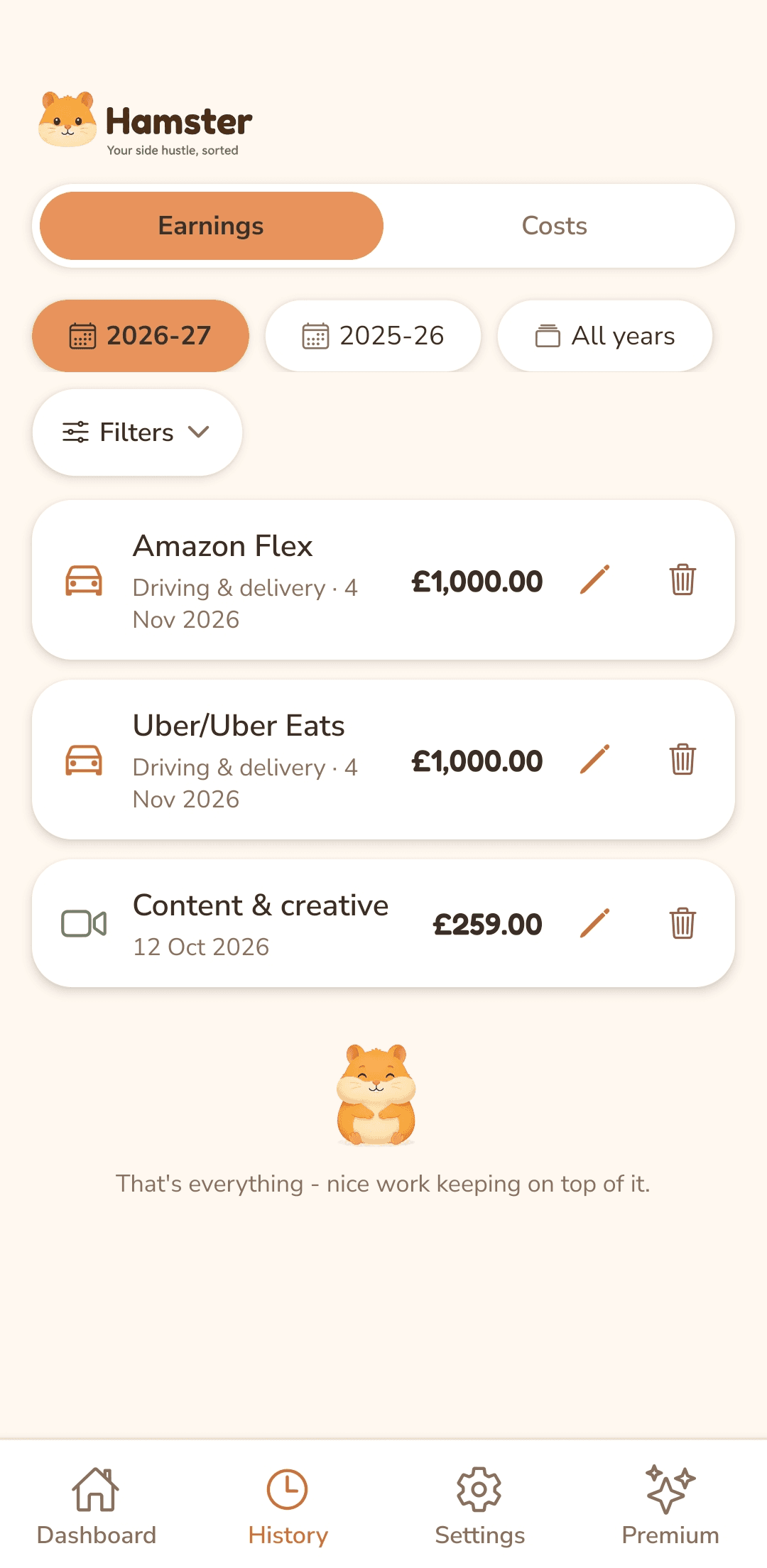
History
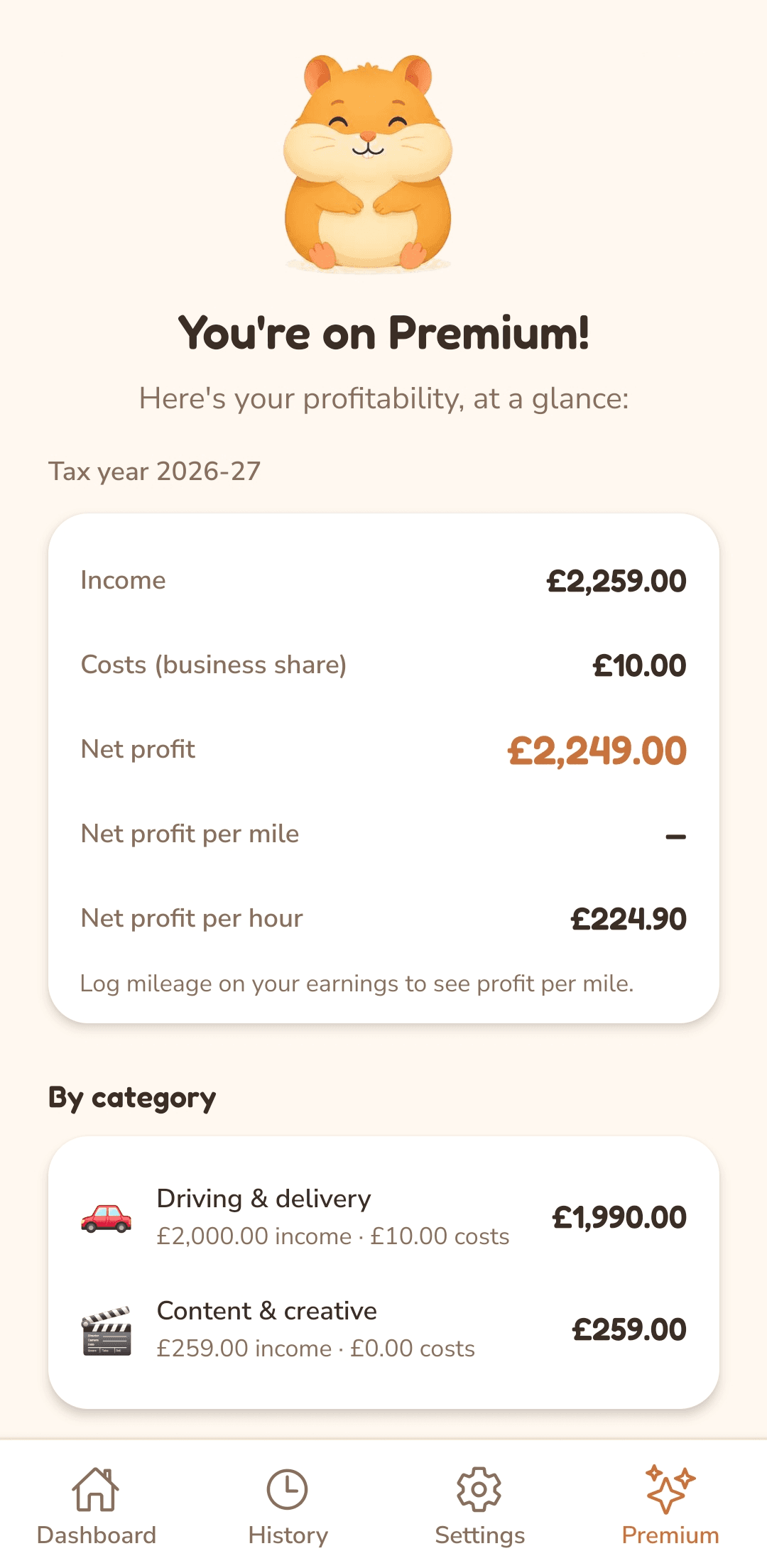
Premium summaryPremium
Free to download. Estimates, not tax advice.